Cinematic AestheticUse in Midjourney · Firefly · Stable Diffusion
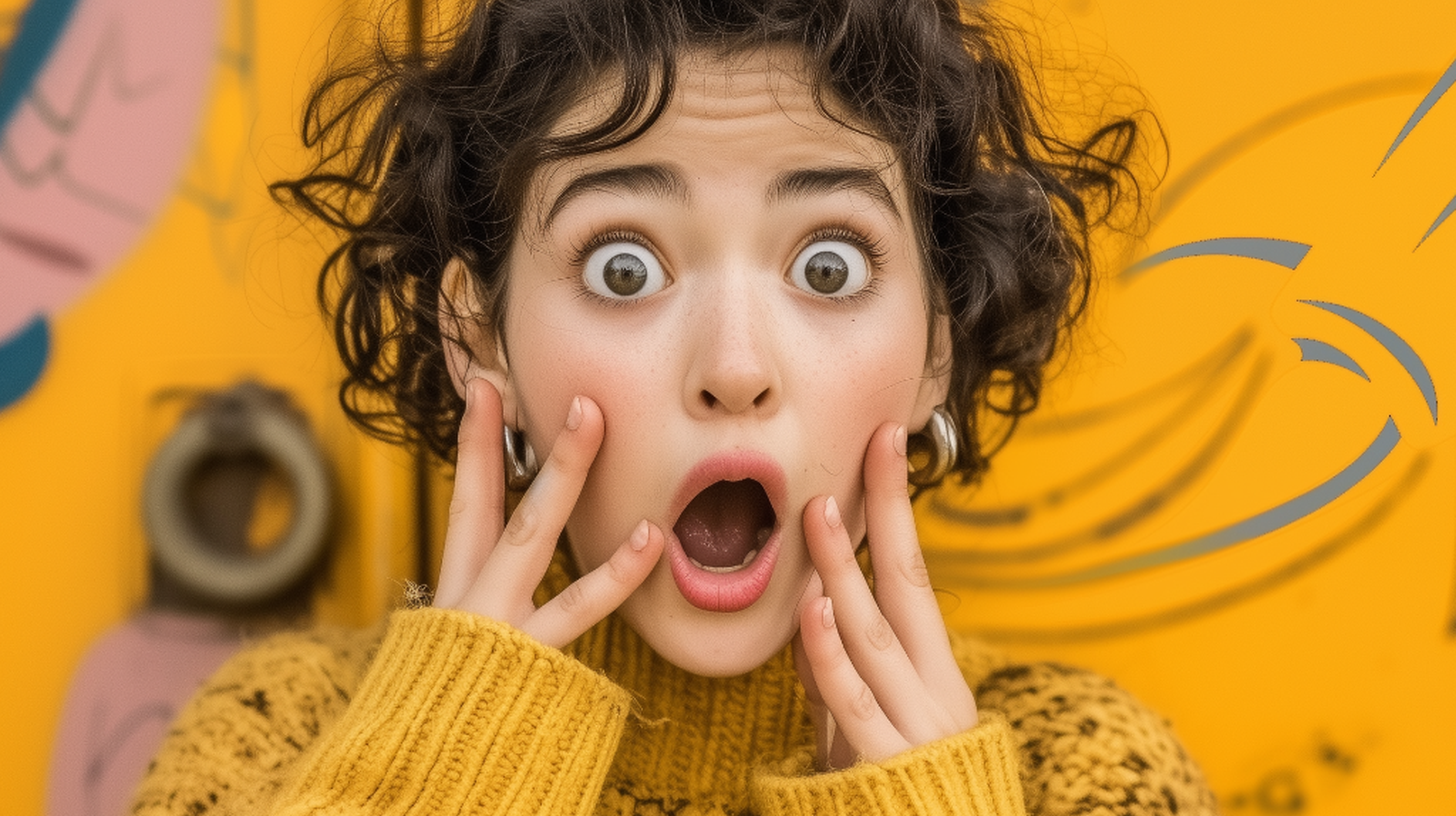
Apply the warm, dramatic look of high-end music video production — moody, emotional, and visually arresting. Rich amber, gold, and deep shadow tones. Emotional atmosphere with shallow depth of field. The signature cinematic aesthetic.
02The Golden Halo
Backlight Rim · Use in Midjourney · Firefly
A strong, warm backlight (rim light) originating from behind the subject creates a glowing golden halo on hair and shoulders, separating them cleanly from the background for that professional 3D look. This is the signature lighting move.
03The Face Illumination
Face Light · Use in Midjourney · Firefly
Ample, soft frontal light on the subject's face. Facial features stay clearly and evenly illuminated — no harsh shadows, no blown highlights. Always recognizable, always well-exposed.
04Identity Preservation
Identity Lock · Use in Midjourney · Firefly
Precisely maintain the original subject's facial features, pose, outfits, background, and gender 100% accurate. Realistic upscale, bringing the subject into extremely sharp focus with enhanced skin texture and detail. No unwanted alterations.
Pro Tips
Get the best results.
01
Use a clear, well-lit source image
The prompt enhances what's already there. Starting with a photo where the subject's face is visible and unobstructed gives the AI the best foundation to work from.
02
Outdoor or natural-light photos work best
The prompt is specifically tuned to retain and enhance natural outdoor ambient light. Portraits taken in daylight or golden hour conditions respond especially well.
03
Paste the prompt exactly as written
Every word is intentional and the prompt has been carefully calibrated. Do not shorten or paraphrase it — copy and paste the full text for consistent results across Midjourney, Firefly, and Stable Diffusion.