
The recipe · At a glance
The whole recipe
in three steps.
You'll dress the character first, then drop them onto a set, then make them dance. In that order.
01
The OutfitThe Outfit
Take your portrait and turn it into your character wearing the Michael Jackson varsity outfit. 9:16 image, 2K quality.
Higgsfield · Generate ImageNano Banana Pro · 9:16 · 2K
02
The SetThe Set
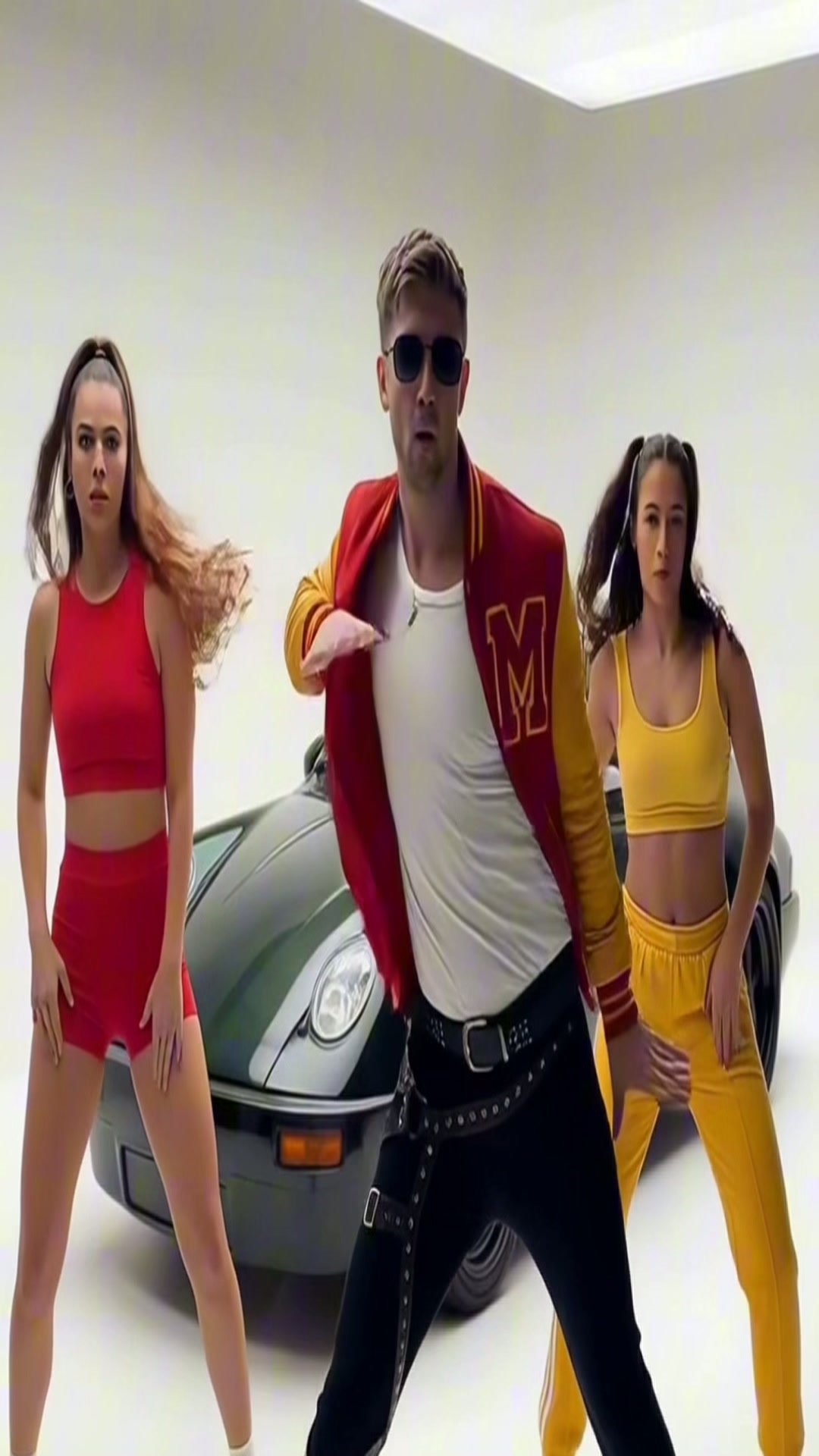
Take that character and drop them onto a cinematic studio set with backup dancers and a green Porsche.
Higgsfield · Generate ImageNano Banana Pro · 9:16 · 2K
03
The MotionThe Motion
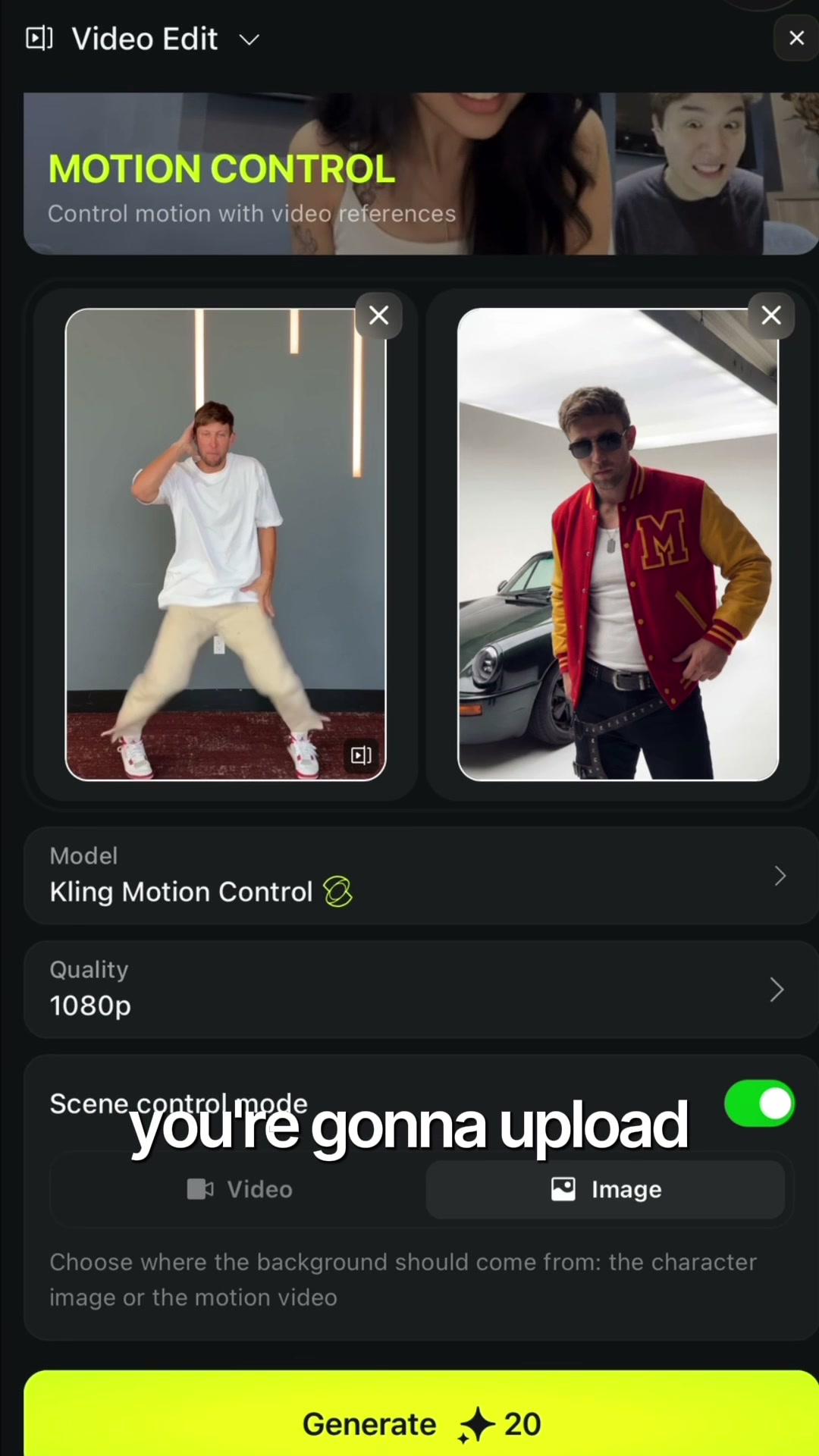
Give Kling a short clip of yourself dancing and the still image from Step 2. It animates your character to match the moves.
Higgsfield · Generate VideoKling 2.6 Motion Control · 1080
INWhat you need
- One clean portrait of your character (face visible, looking at camera)
- Optional: an outfit inspiration image (jacket, shoes, sunglasses)
- Optional: a background inspiration image (studio, street, stage)
- A short dance or motion clip to drive the final video
OUTWhat you'll ship
- A 9:16 image of your character in full MJ-coded outfit (Step 1)
- A 9:16 image of that character on a cinematic set (Step 2)
- A 1080p vertical video of your character dancing the reference (Step 3)
- Everything you need to post the reel by the end of the night
01.
1Step 1
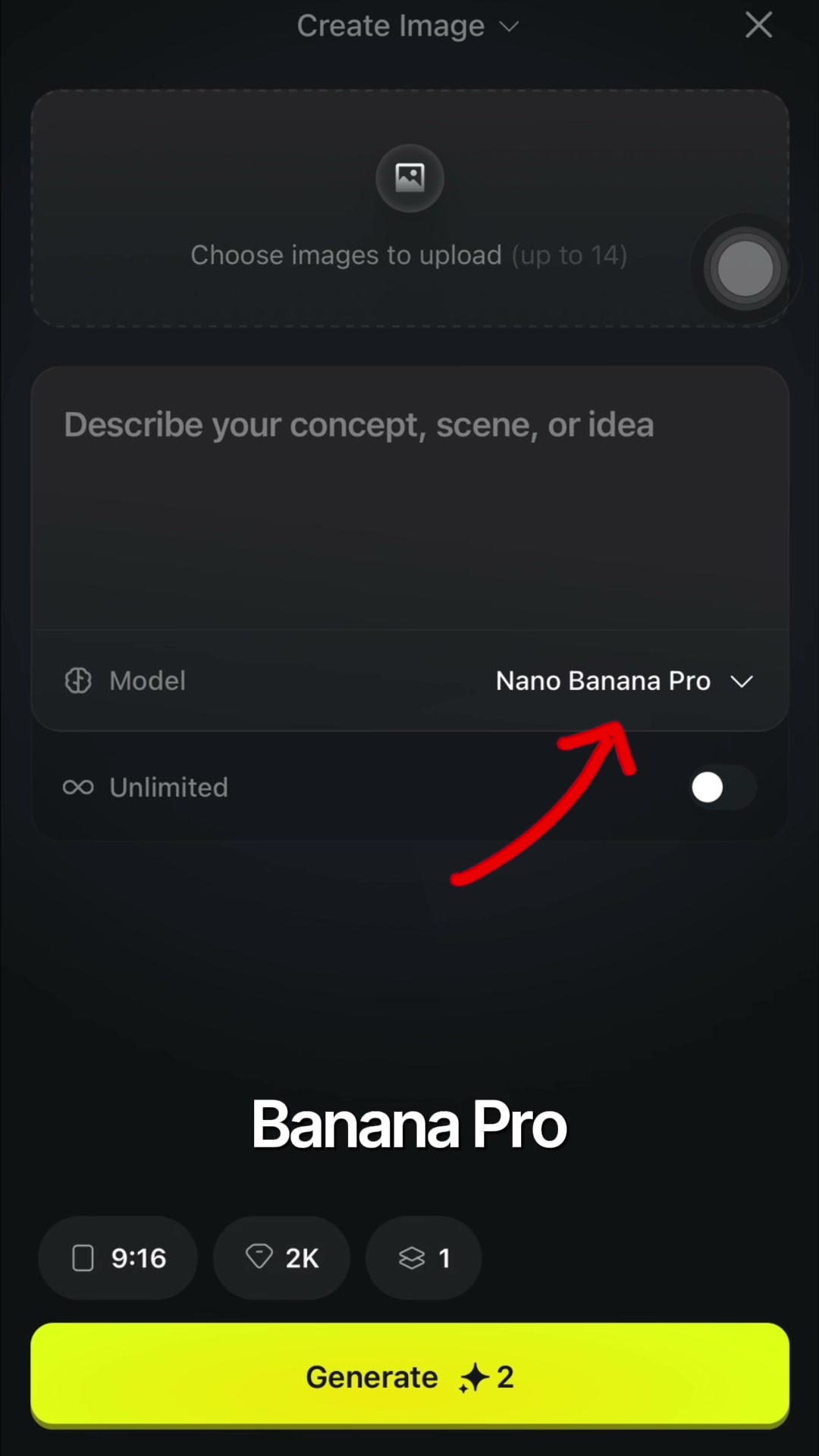
Open Higgsfield → Create Image. Pick Nano Banana Pro,
9:16, 2K.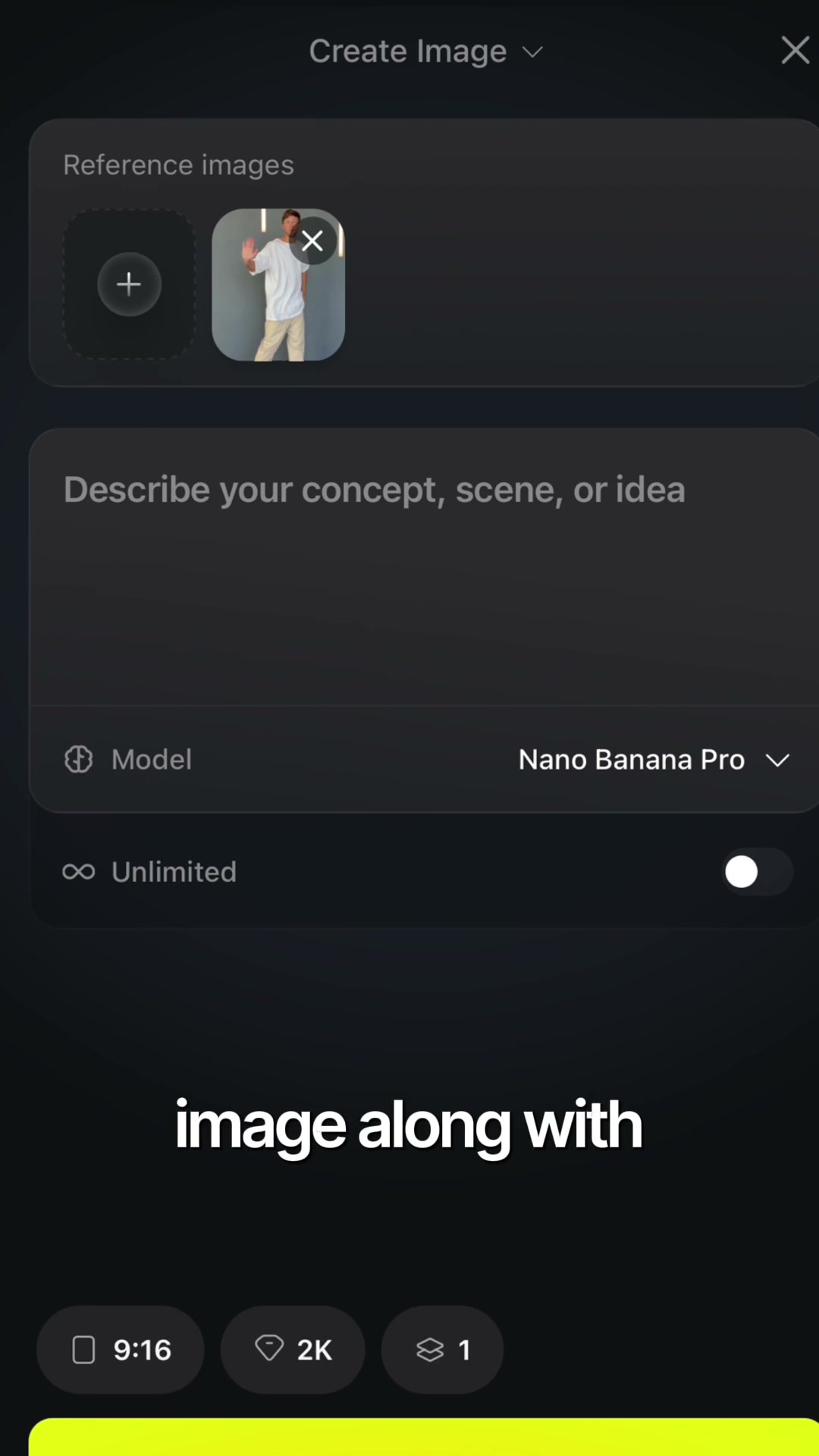
2Step 2
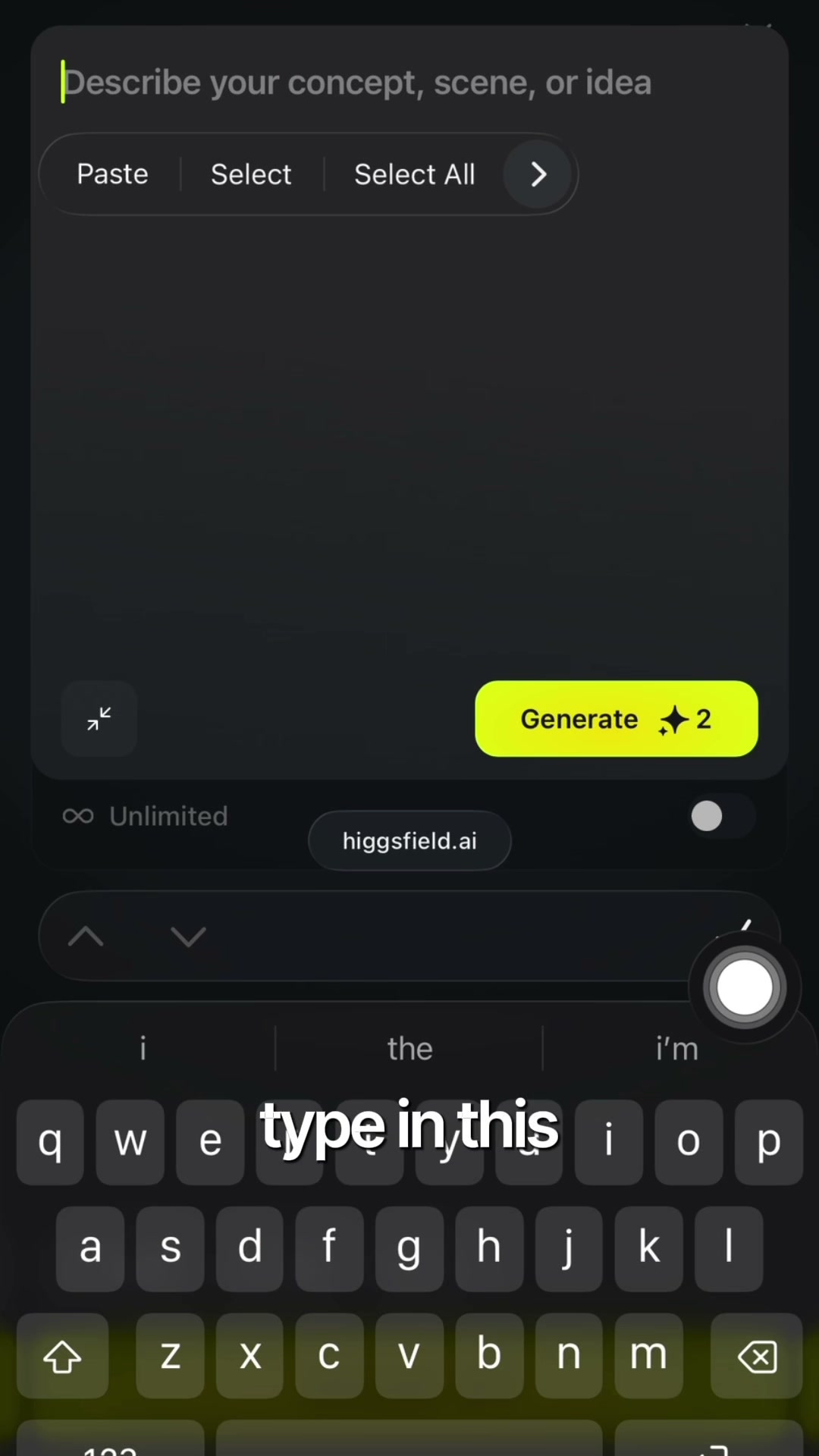
Drop your portrait in the reference slot.
3Step 3
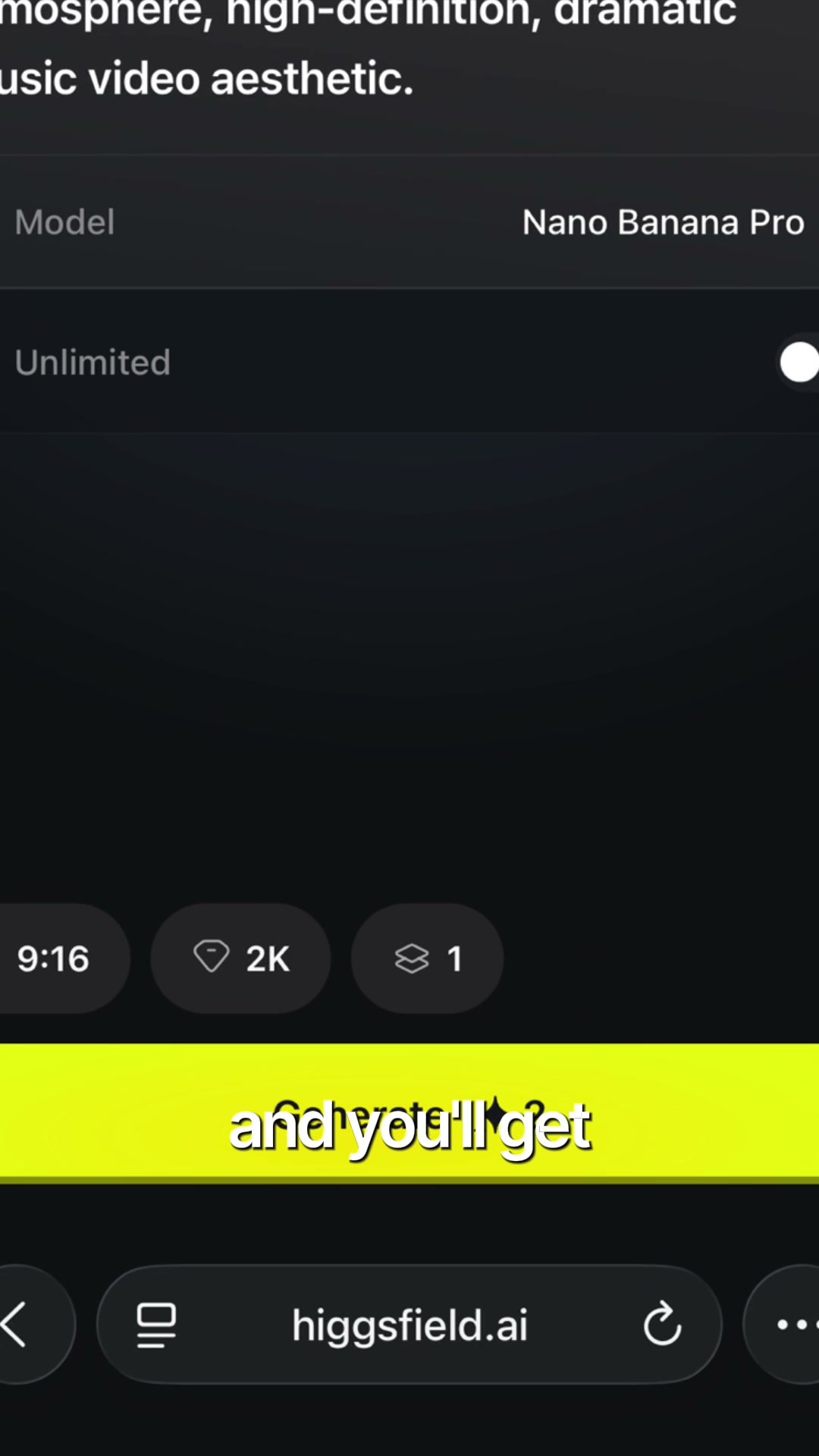
Paste below. Hit Generate.
⌘ Paste ready
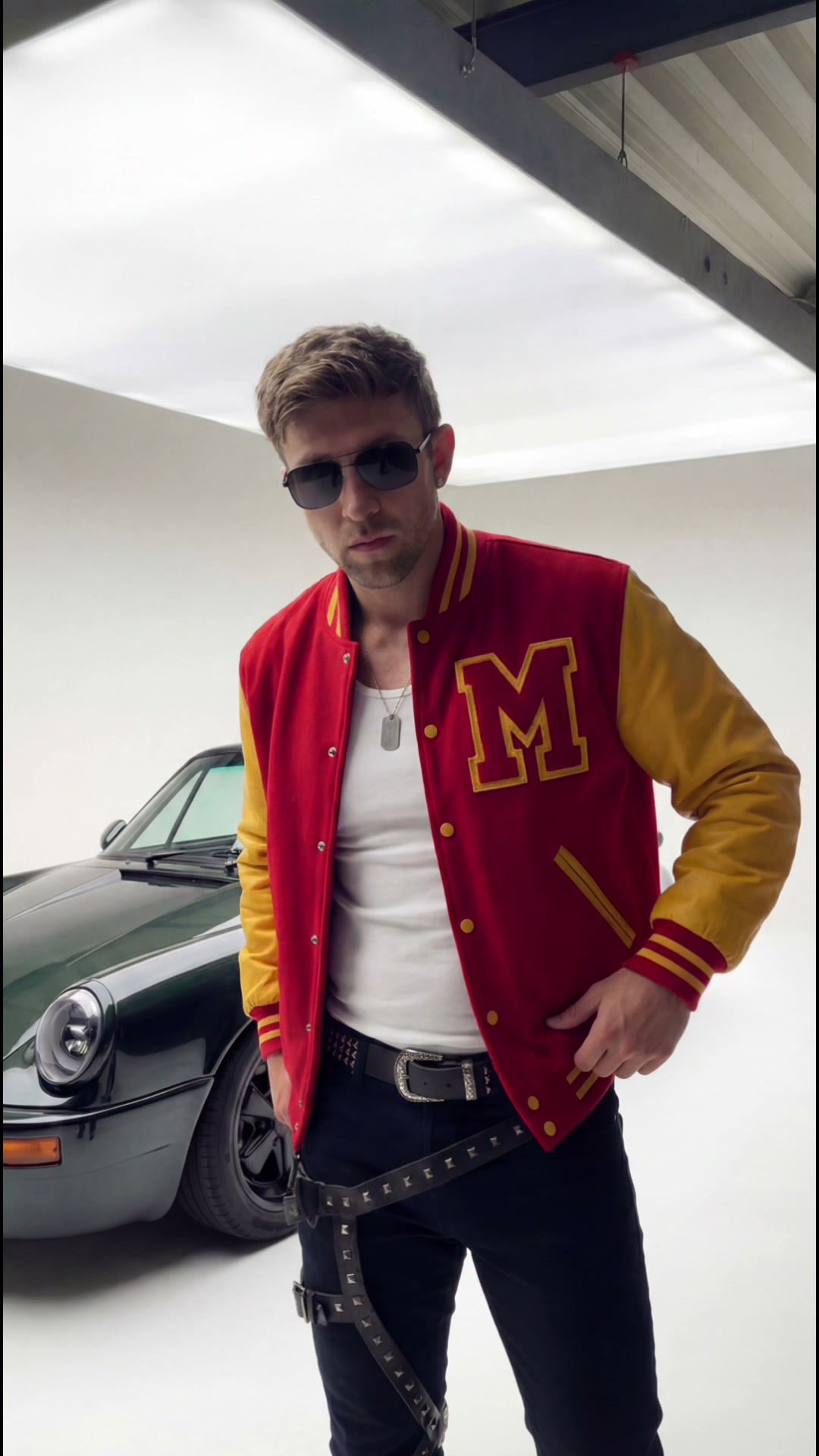
"Make him wear the Michael Jackson-inspired varsity outfit: red varsity jacket with yellow leather sleeves, collegiate "M" patch, white tank top underneath, slim black jeans, silver dog tag necklace, black aviator sunglasses, black boots, retro pop star streetwear aesthetic."
4Output
Save this image. You'll use it as the reference in Step 2.
02.
1Step 1
Same setup: Create Image, Nano Banana Pro,
9:16, 2K.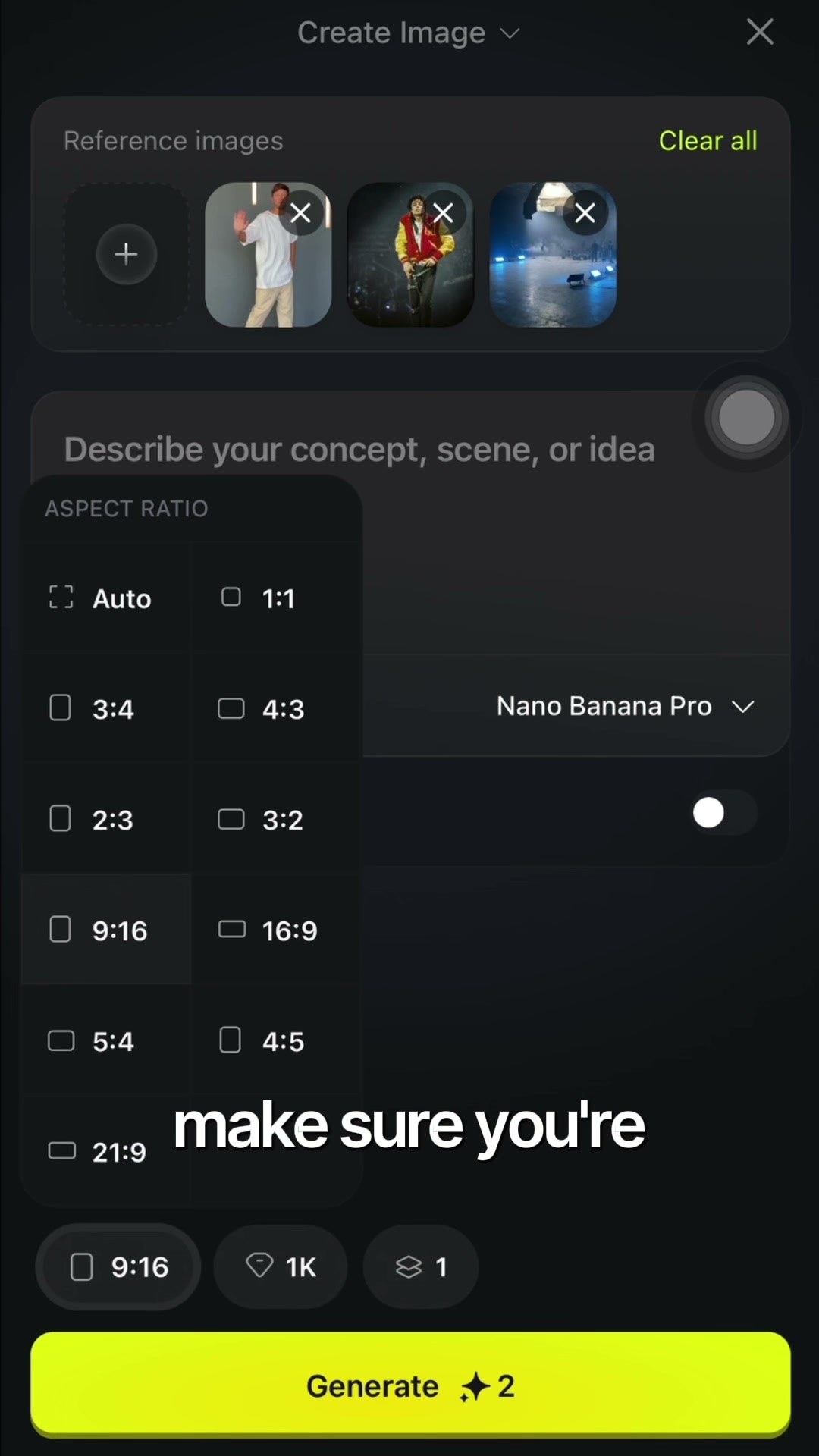
2Step 2
Swap reference to the character you just made.
3Step 3
Paste below. Hit Generate.
⌘ Paste ready
"Minimalist luxury studio showroom, white cyclorama backdrop, overhead softbox, dark industrial ceiling, cinematic high-contrast lighting, sleek premium aesthetic. + Place 2 backup dancers beside my avatar."
4Output
Save this image. You'll animate it with motion in Step 3.
03.
1Step 1
Switch to Create Video. Pick Kling Motion Control.
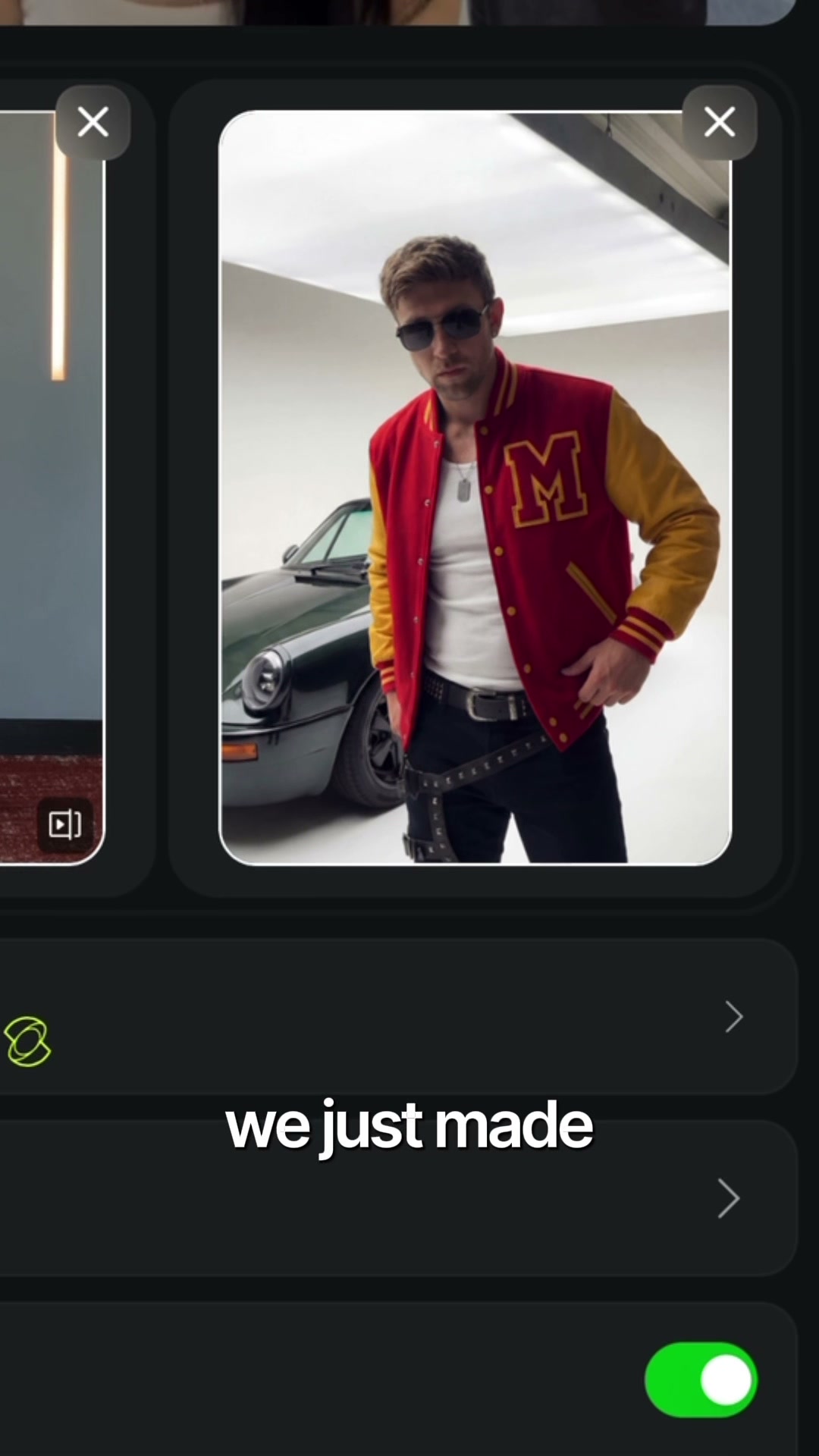
2Step 2
Drop your character image + dance clip.
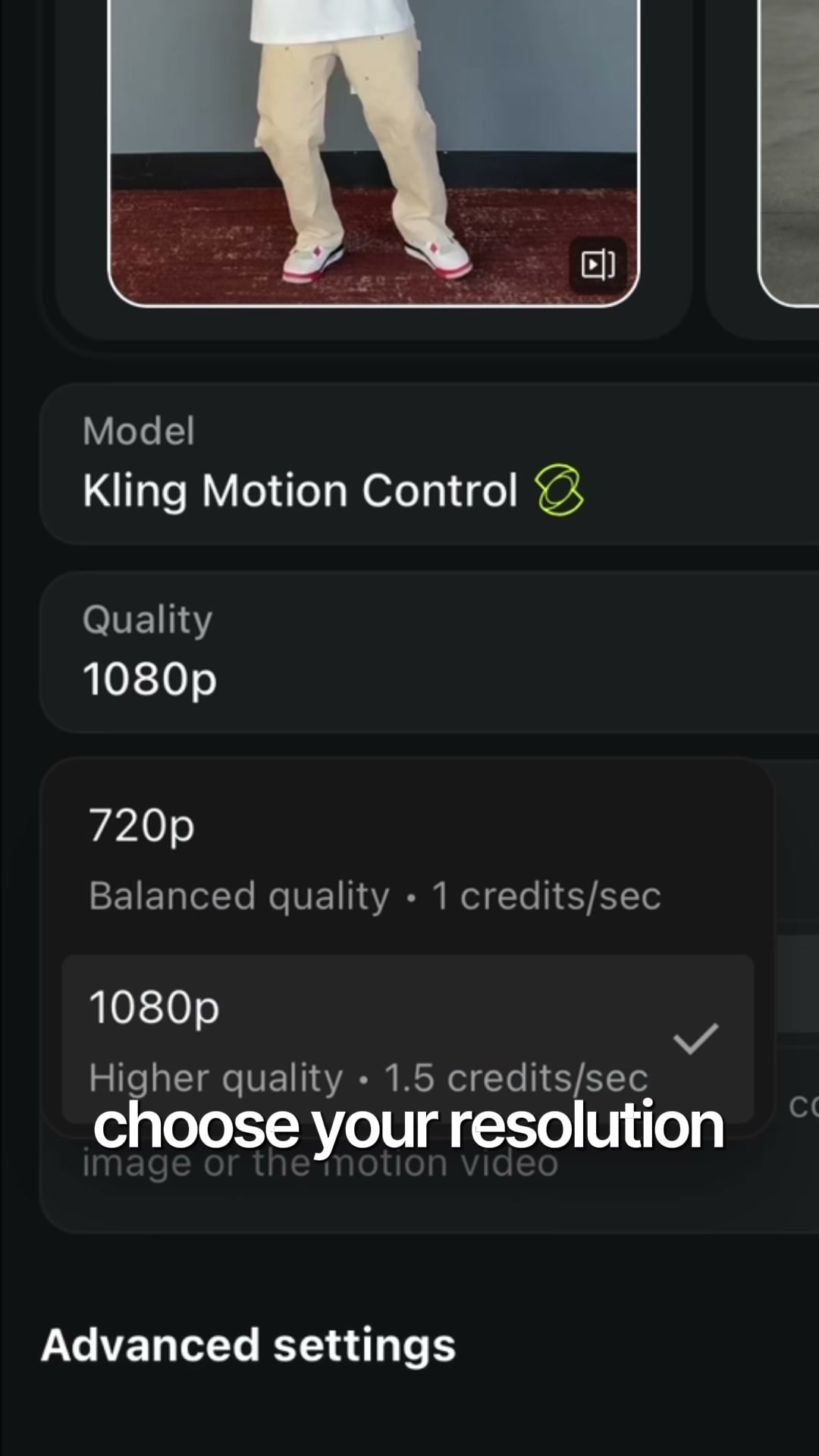
3Step 3
Pick
1080p. Hit Generate.⌘ Optional add
"Cinematic studio lighting, smooth confident movement, subtle camera push-in, retro pop star energy."
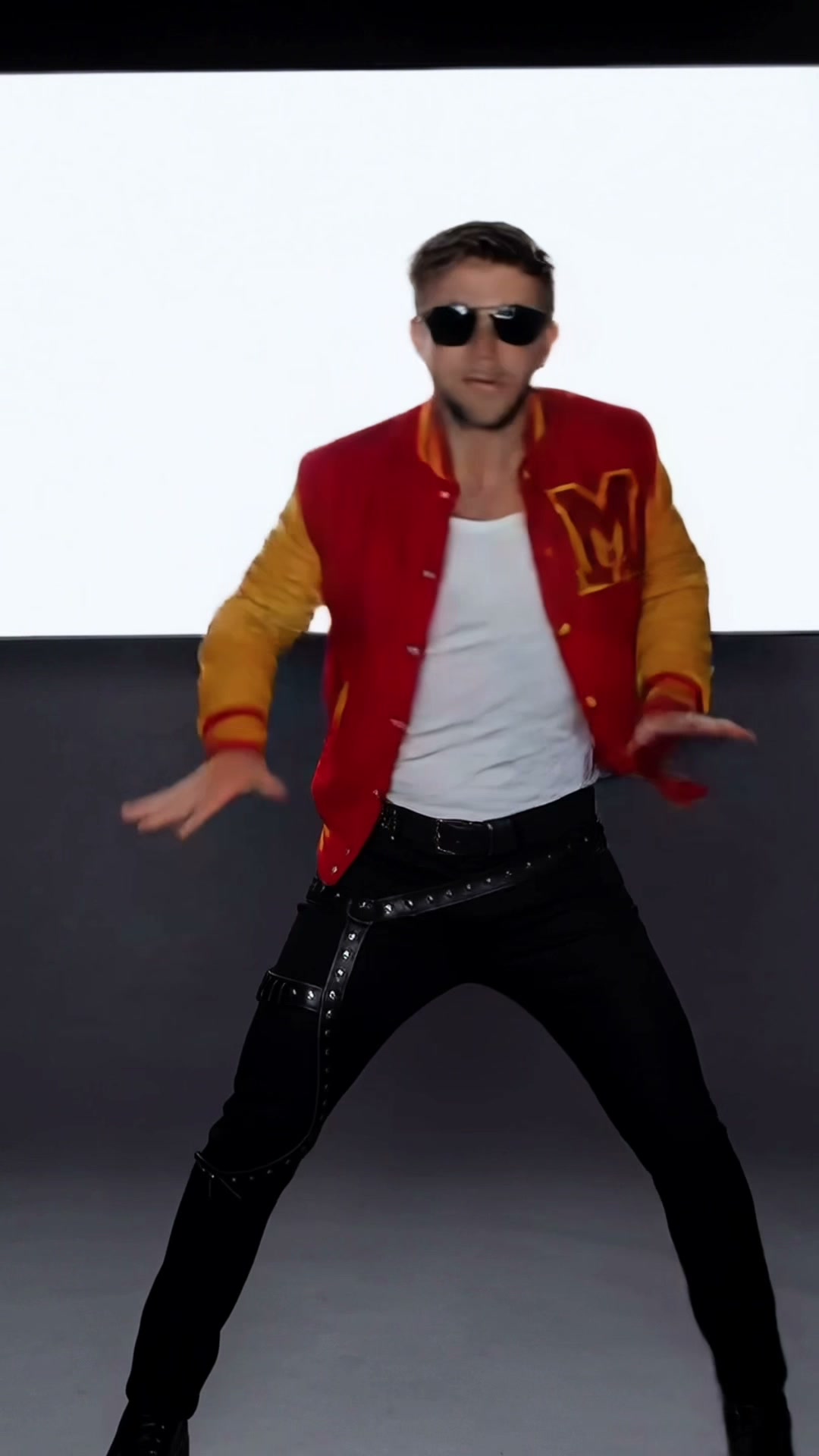
4Output
Pull two or three takes and pick the best one.
You made one.
Now make 10.
This is just the beginning. VCA is where you build alongside thousands of other creators, get coached live by Matt himself, and remember why making this stuff was fun in the first place.